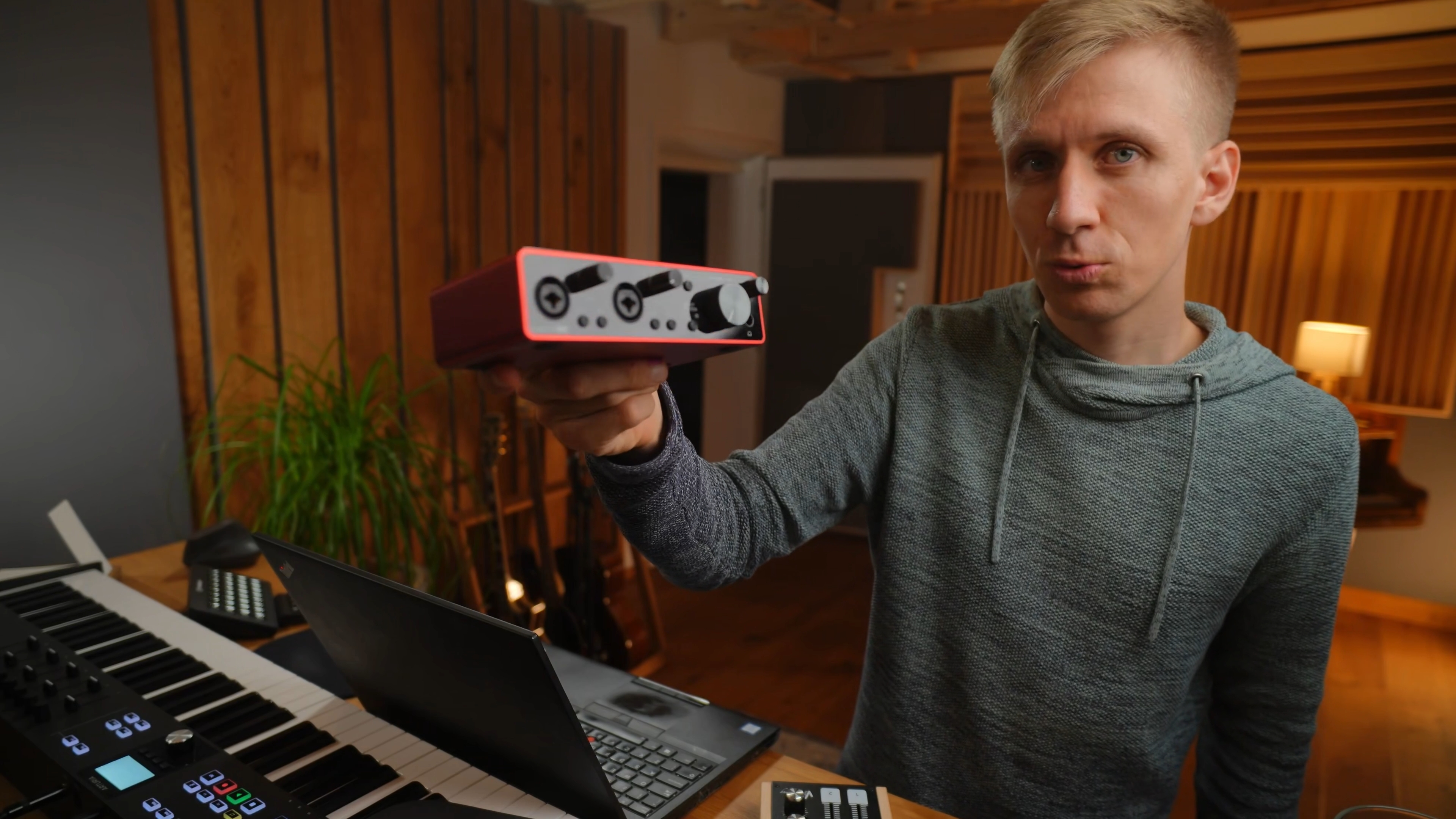
No prior knowledge needed.
Even if you’ve never opened a DAW (music program) or don’t own any equipment - I’ll walk you through everything from the very basics. You’ll learn exactly what you need, how everything is connected and how to use your music program to write, record and edit music.
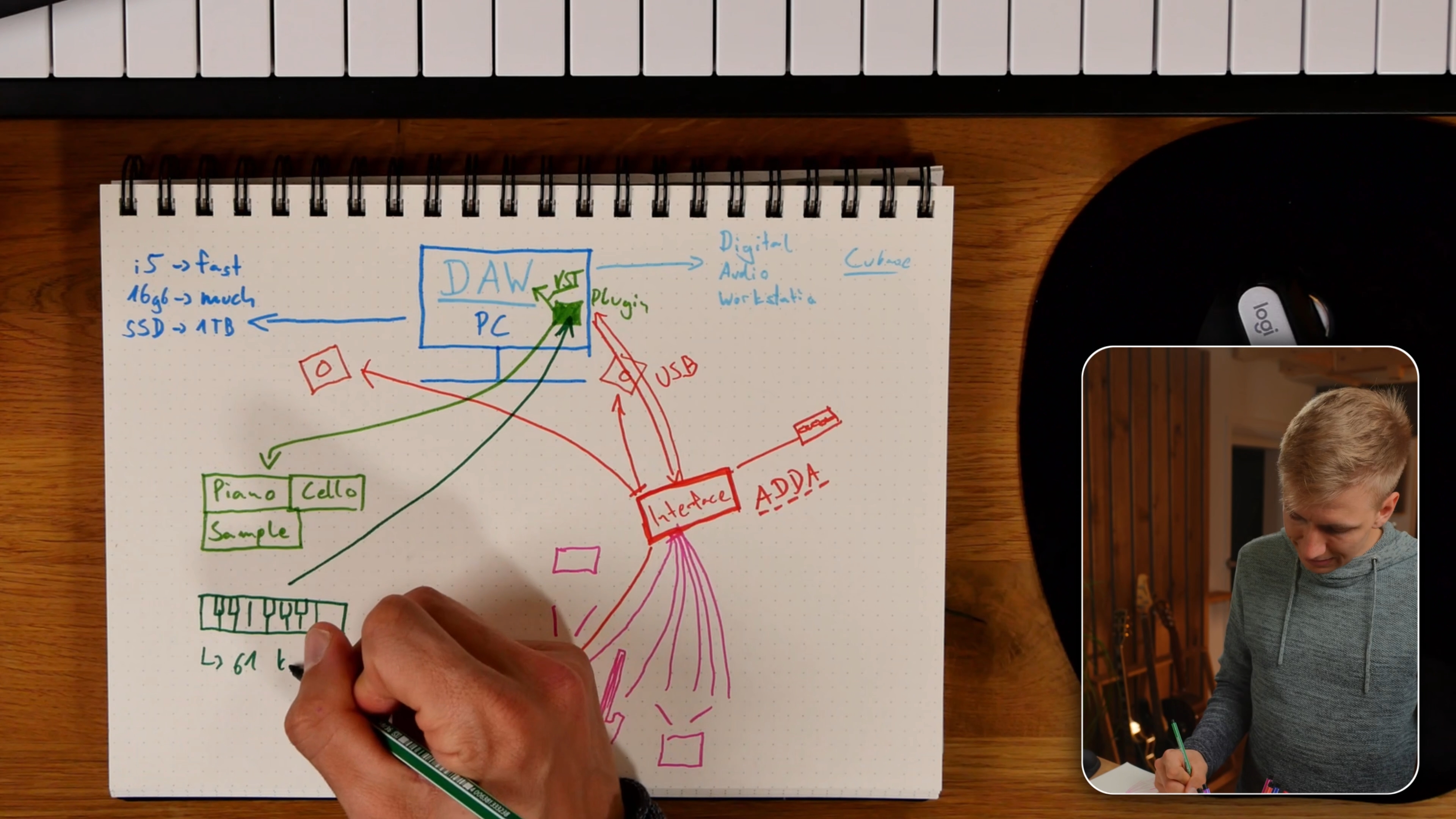
Explained visually & super easy.
I’ll explain everything in a clear, visual way - even the technical parts will feel simple and fun to follow.
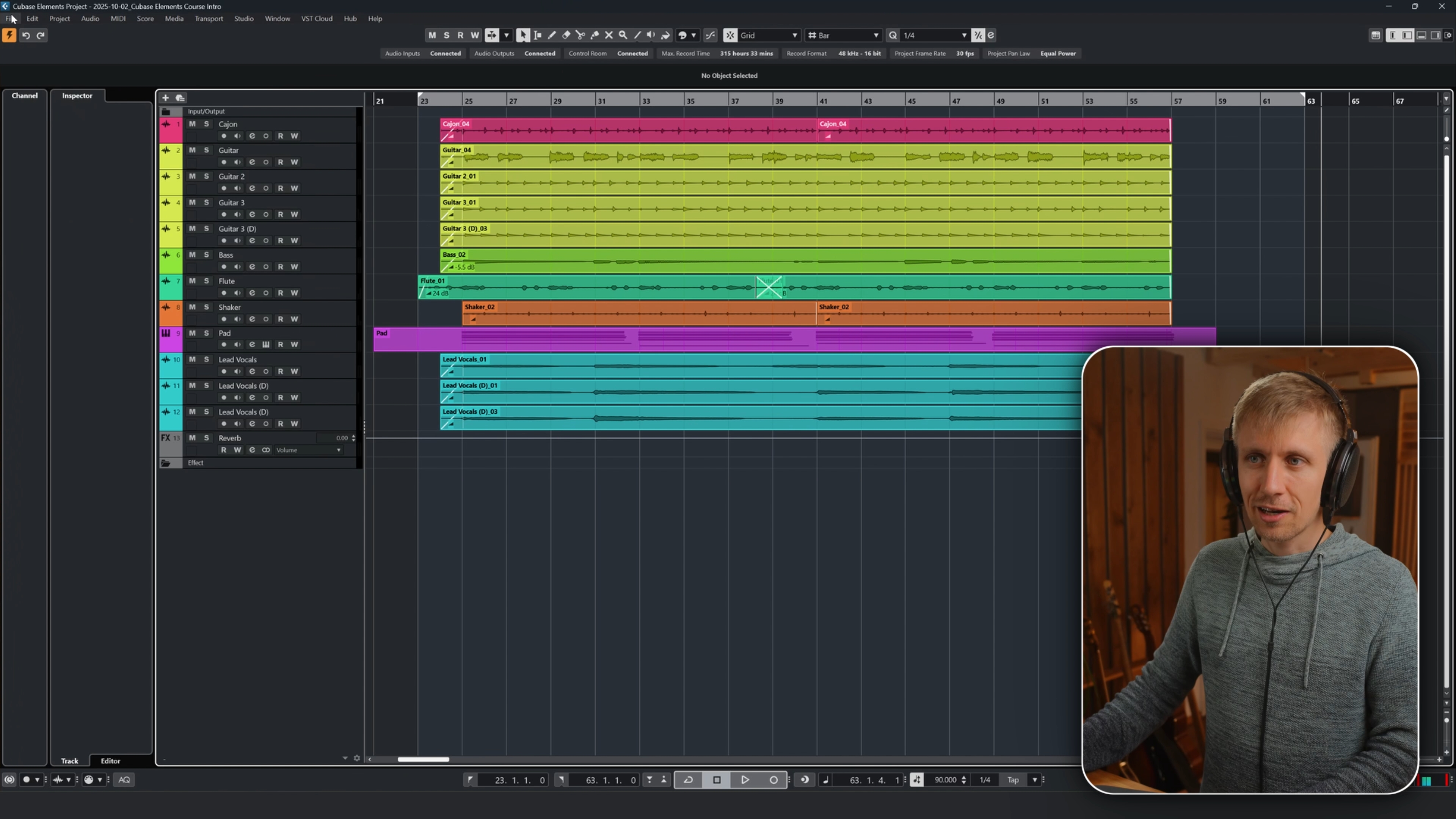
Step-by-step & hands-on.
We’ll do everything together, not just theory, but actual practice. From buying & installing your first DAW, setting up your home studio, to recording, mixing and even mastering a track you could release on Spotify or YouTube.
Is this course for you?
I made this course for absolute beginners, thinking that I could even show it to my mum (who truthfully has no understanding of computers 😅). As I was creating this course, I kept the following people in mind: ● a songwriter or cover musician who wants to record at home ● a band musician who wants to record and share their band’s songs ● an aspiring cinematic composer who needs the basics before diving deeper ● a modern producer who needs the basics to start producing music ● anyone curious to explore music-making as a new creative outlet If you’re familiar with recording, editing and production, you might want to wait for the next course in The Cinematic Composer’s Journey series - this course focuses on the basics. It explains a Home Studio, Terminologies, the DAW, editing, mixing (basic) and mastering (basic). If you need thoose basics , this one is for you! 😊
The content & community:
Learn at your own pace with 59 Lessons (over 4 hours) of clear, structured video tutorials, edited to make every step easy and fun to follow. You’ll get gear recommendations and downloadable PDF guides to support you along the way. Learning is easier when you’re not alone. That’s why you’re welcome to join our Discord community. It’s a place to ask questions, share ideas and stay motivated. You’ll also have direct access to me if you ever need specific help.
How it works:
Once you’re enrolled, you’ll get access to a dedicated course website including all the videos I created for this course. Think of it like YouTube - but better organized and with a clear structure that takes away the struggles to find everything by yourself. I’ve organized the videos so that they make sense as you move along the journey. You can slow videos down, speed them up, or skip ahead. learn in any order and at any pace you like. The course even remembers where you left off, so you can continue anytime, completely at your own rhythm.
Part 1 of The Cinematic Composer’s Journey:
This course is not only the foundation for your home studio journey - it’s also the starting point of my larger project: The Cinematic Composer’s Journey, a series that guides you from your first home-studio steps to cinematic composition. Owners will receive a special bundle price once Part 2 is released.
Meet Your Instructor.
I’m Leo Brennauer, a musician and composer from Germany. I studied composition for film, theatre, and media at the Zurich University of Arts and now work as a YouTube content creator, sharing my passion for music production and cinematic composing. My musical journey has taken me from the age of five through rock bands, jazz ensembles, church groups, and symphonic orchestras, shaping my diverse approach to music. Along the way, I’ve played a variety of instruments and gained hands-on experience in studios, instrument retail, and live performance — all of which now feed into my work as a composer and educator. Over the years, I’ve taught one-on-one lessons and spent more than a decade working in a music store — an experience that connected me with countless beginners taking their first steps in music. I believe the best way to teach is not from above, but by taking people on a fun and inspiring journey of learning and creativity. If you’d like to join me on this journey, I’d be happy to welcome you to my course. And if you’d like to get a feel for my style first, feel free to check out some of my YouTube videos. Hope to see you!
What do you need?
You don’t need to buy anything before starting the course, we’ll go through the options together. That said, once we get to the part where we install and use the DAW (music program), Cubase will be the best choice to get the most out of this course. There’s a free trial and even a light version that works just fine, so you don’t have to spend hundreds of dollars on a DAW.
Course Curriculum
-
-
Welcome & Learning Objectives Free preview
-
(Included in full purchase)
Before we start
-
(Included in full purchase)
Course Update: New Title!
-
-
-
(Included in full purchase)
1 – Pro Studio vs Home Studio
-
(Included in full purchase)
2 – The Two Worlds of Home Studios
-
3 – PC / Mac Free preview
-
(Included in full purchase)
4 – DAW
-
(Included in full purchase)
5 – Interface
-
(Included in full purchase)
6 – Speaker & Headphones
-
(Included in full purchase)
7 – Soundcard vs Interface
-
(Included in full purchase)
8 – Virtual Instruments / Plugins
-
(Included in full purchase)
9 – Midi Keyboard
-
(Included in full purchase)
10 – Gear Recommendations
-
(Included in full purchase)
-
-
(Included in full purchase)
1 – How You Set Everything Up
-
2 – Speaker Placement Free preview
-
(Included in full purchase)
-
-
(Included in full purchase)
1 – Choosing your Cubase version
-
(Included in full purchase)
2 – Buying and installing Cubase
-
(Included in full purchase)
3 – Installing your audio driver
-
(Included in full purchase)
4 – Starting Cubase for the first time
-
(Included in full purchase)
5 – Exploring the three main views in Cubase
-
(Included in full purchase)
6 – Understanding buffer size
-
(Included in full purchase)
7 – Understanding sample rate
-
(Included in full purchase)
8 – Understanding how a DAW works
-
(Included in full purchase)
-
-
(Included in full purchase)
1 – Adding your first tracks
-
(Included in full purchase)
2 – Using the metronome
-
(Included in full purchase)
3 – Placing your microphone
-
(Included in full purchase)
4 – Setting up inputs and creating a bus
-
(Included in full purchase)
5 – Setting the right input gain
-
(Included in full purchase)
6 – Recording your first track
-
(Included in full purchase)
7 – Connecting your guitar and using the tuner
-
(Included in full purchase)
8 – Recording a guitar & bass
-
(Included in full purchase)
9 – Editing clips and fades
-
(Included in full purchase)
10 – Adjusting track and clip volume
-
(Included in full purchase)
11 – Recording a flute & shaker
-
(Included in full purchase)
12 – Recording your voice
-
(Included in full purchase)
-
-
(Included in full purchase)
1 – Setting up and recording a VST instrument
-
(Included in full purchase)
2 – Editing MIDI recordings
-
(Included in full purchase)
3 – Understanding MIDI Quantize
-
(Included in full purchase)
4 – Reducing latency
-
(Included in full purchase)
5 – Duplicating MIDI
-
(Included in full purchase)
6 – Editing pedal data & Upgrading Sound
-
(Included in full purchase)
-
-
(Included in full purchase)
1 – How to think about a mix
-
(Included in full purchase)
2 – The three basic tools of mixing
-
(Included in full purchase)
3 – Mixing with volume and pan
-
(Included in full purchase)
4 – Adding reverb to a track
-
5 – Adding FX tracks, buses, and sends Free preview
-
(Included in full purchase)
6 – Mixing with a reverb
-
(Included in full purchase)
7 – Understanding the equalizer
-
(Included in full purchase)
8 – Working with an equalizer
-
(Included in full purchase)
9 – Exploring additional effects
-
(Included in full purchase)
-
-
1 – Understanding mastering Free preview
-
(Included in full purchase)
2 – Mastering your song
-
(Included in full purchase)
3 – Exporting your song
-
(Included in full purchase)
4 – Uploading and sharing your music
-
(Included in full purchase)
5 – Whats next?
-
-
-
(Included in full purchase)
Appendix: Terminology
-
(Included in full purchase)
Music Term Quiz
-
(Included in full purchase)
Bonus: Coming up with a Melody
-
(Included in full purchase)
Bonus: Finding Chords for your Melody
-
(Included in full purchase)
Bonus: Affordable Acoustic Treatment
-
Bonus: Install third party plugins / virtual instruments Free preview
-
(Included in full purchase)
Ready to Create Your first piece?
Start your music production journey today :)
€79,00